Seven proven methods that deliver smoother and more polished photo edits
Capturing a great photo is only half the journey. The magic often happens when you polish those raw files into something stunning.
A few simple tweaks turn a flat image into a professional masterpiece. These methods help you get that clean look without spending hours at your desk.
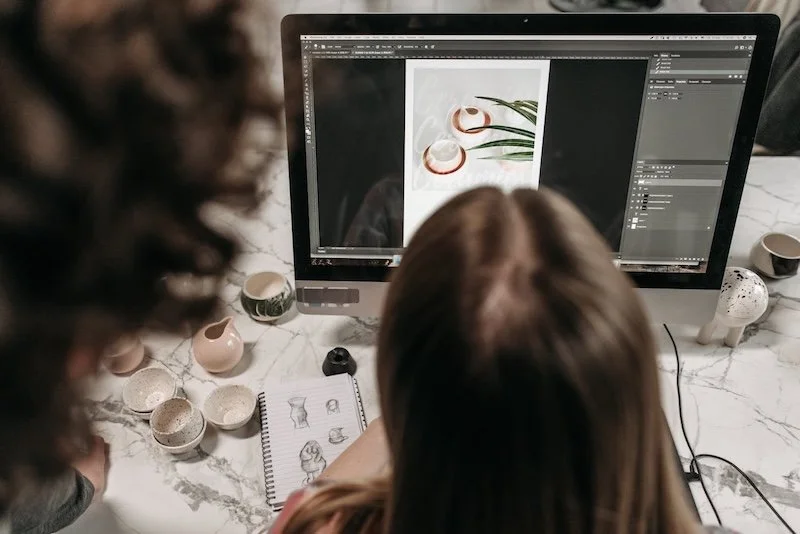
Photo credit: Pexels.
Master The Background Blur
Creating separation between your subject and the backdrop adds instant depth. You can achieve this by shooting with a wide aperture to let in more light. It is one of the easiest ways to improve your composition.
One expert guide suggested using software to exaggerate the blur effect for a more isolated subject. The technique makes your focal point pop off the screen immediately. It draws the eye exactly where you want it to go.
It works best when the background is messy or distracting. Softening those edges gives your work a high-end feel that looks planned and deliberate.
Clean Up Your Frame
Clutter often distracts the viewer from the main message of your shot. Removing power lines or stray objects makes the final image look much more professional. It helps you keep the focus on your main subject.
Finding the right tools for this task can be a challenge. Using a tool like removebackground.online makes it simpler to fix messy borders or distracting elements. Many editors prefer quick solutions for maintaining a high workflow speed.
Clear frames allow the viewer to appreciate the details you worked hard to capture. It is a quick step that saves a lot of visual noise for the audience. Your portfolio will look much more polished after you remove distractions.
Use Smart Removal Tools
Sometimes a photo is perfect except for one tiny photobomber. You no longer have to manually paint over every pixel to fix small mistakes. Smart technology handles the heavy lifting for you now.
A tech review mentioned how new AI tools generate realistic content to fill gaps with high accuracy. It helps when you upscale low-resolution files or delete large objects from a wide scenery shot.
The result is a seamless finish that looks like the object was never there. It keeps the texture of the original scene intact while improving the quality of the file. You get a natural look without any blurry patches.
Set The Mood With Colour
Colors do more than just make an image look pretty. They tell a story and set the emotional tone for anyone viewing your portfolio or gallery. You can guide how people feel just by shifting the tints.
An industry article pointed out that specific colour values help convey various compelling moods and feelings. Shifting from cool blues to warm oranges changes how an audience perceives the setting. It is a powerful way to add drama to a scene.
Consistency in your colour palette creates a signature style. It makes your whole gallery look cohesive and well put together for your clients. They will recognize your work just by the tones you choose.
Sharpen Your Details
Sharpen Your Details
Too much sharpening makes a photo look fake and digital. You want crisp edges that still feel natural to the eye. It gives your work a clean and high-quality finish.
Follow these steps for a better look:
● Focus on the eyes or the main edges
● Keep the filter radius small
● Protect skin with masks
● Check zoom at 100 percent
● Apply filters at the end
● Keep natural textures looking soft
This approach keeps the subject clear without looking overdone. It adds a final layer of polish to your edits and makes them stand out. You should double-check your work now before you hit save.
Balance The Light And Dark
Adjusting exposure is about more than just making a photo brighter. You need to manage the highlights and shadows to preserve every bit of data in the file.
Pulling back the highlights can reveal details in a bright sky that seemed lost. Lifting the shadows brings out the texture in darker clothing or hair. You get a richer image with more information to see.
Keeping a balanced histogram prevents the image from looking flat or muddy. It gives the viewer more to look at within the frame and adds depth. You will see a major difference in the clarity of your shots.
Refine Skin Textures
Retouching skin requires a very light touch to avoid a plastic appearance. The goal is to hide temporary blemishes while keeping the natural character of the person. It is about making them look their best.
Smoothing out uneven tones helps the light wrap around the face more beautifully. It creates a soft glow that feels professional rather than heavily filtered.
Small adjustments to the clarity slider can make a huge difference. If you add too much, the skin looks harsh, so keep your edits subtle and realistic. Your subjects will appreciate the natural look of their portraits.
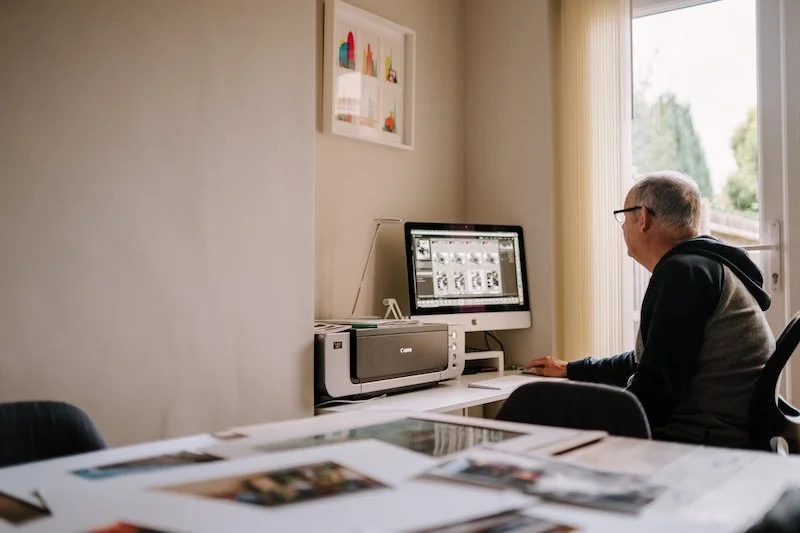
Photo credit: Pexels.
Polished editing is about making the most of what you captured in the lens. Simple steps help you create images that stand out and look their best.
Practice the techniques on your next set of photos to see the difference. It is worth the time to get every detail perfect for your audience.