Vmake AI review: how this tool makes video cleanup effortless
Video content dominates the internet. Every platform demands it. Yet, the gap between capturing footage and publishing it remains huge.
Editing software is often expensive. It is frequently difficult to learn. The learning curve for professional tools intimidates beginners. This is the specific problem that Vmake AI attempts to solve. It is not a traditional timeline editor. It functions more like a Swiss Army knife for specific video problems.
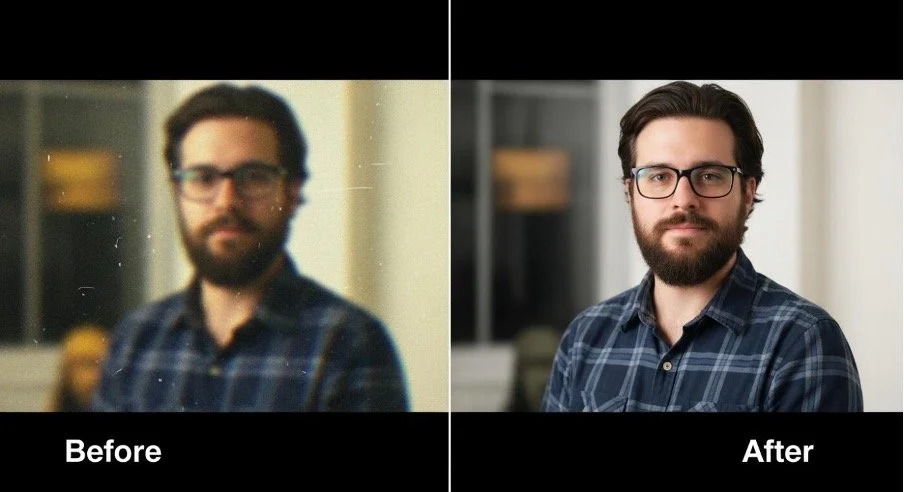
One of the most persistent annoyances in digital media is the presence of unwanted overlays. The manual fix involves cropping the frame or placing a blurry box over the logo. Neither solution is ideal.
This is where a dedicated watermark remover becomes essential. It uses algorithms to analyze the pixels surrounding the unwanted object. It then attempts to fill in the missing data with a plausible background texture.
Getting Started With the Vmake Dashboard
Opening the tool reveals a straightforward design. There are no dark gray windows with a thousand small buttons. There is no timeline at the bottom of the screen waiting to be populated. Instead, the dashboard presents a grid of specific tasks. You choose the problem you want to solve.
The process typically begins with an upload. The system accepts standard video formats like MP4 and MOV. Processing happens in the cloud. This means your computer fans will not spin up like a jet engine.
Testing the Watermark and Other Cleanup Capabilities
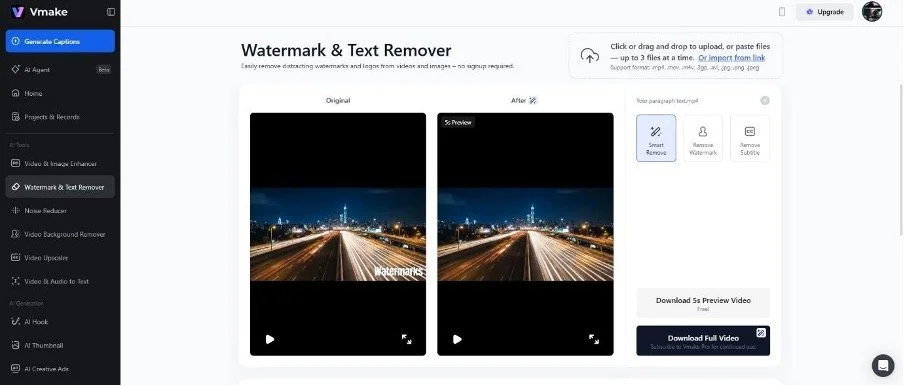
The removal of static objects is the most common use case. You might have a logo in the corner of a product video. You select the "remove object" or watermark function. The workflow is tactile. You upload the video file. A preview window appears. You use a brush tool to paint over the area you want to disappear. The AI then analyses the frames.
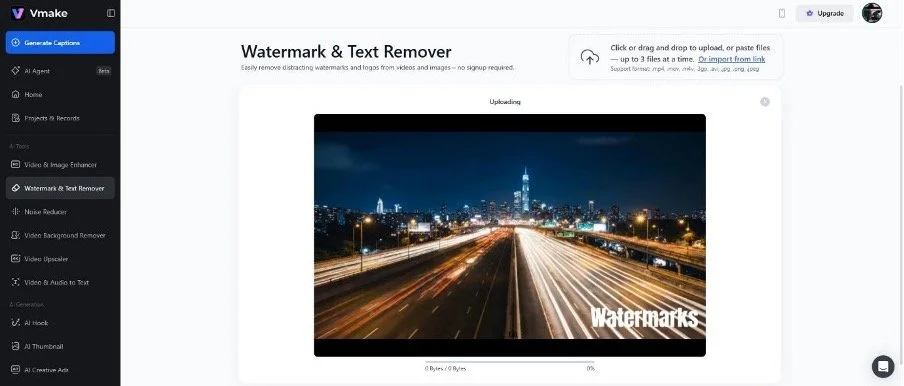
The results in this specific category are often surprising. On a simple background, the object simply vanishes. The replacement texture usually matches the grain of the video. It handles static shots very well.
Moving shots are harder. If the camera pans across a complex texture, like a brick wall or a crowd, the AI has to work harder. It has to track the movement of the background while keeping the "erased" spot consistent.
Quality Enhancement and Restoration
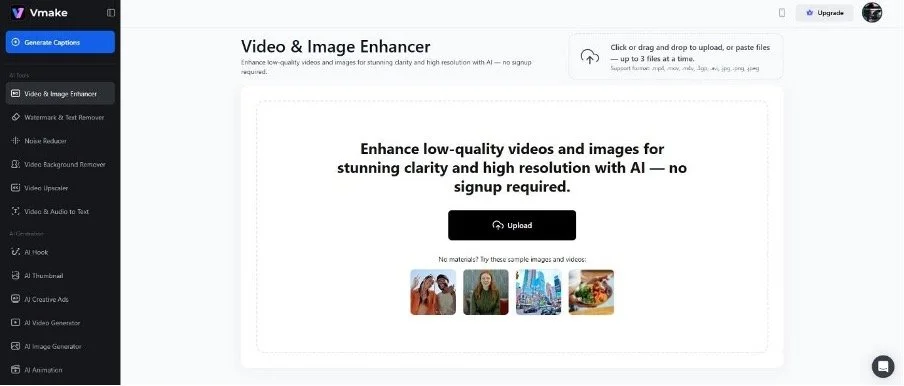
Video quality is another major wall. Footage shot in low light often looks grainy, and old clips might be low resolution. The "Video Enhancer" feature tackles this. It essentially upscales the footage. It tries to add detail where there was none.
Using it involves selecting the "Video Quality Enhancer" from the dashboard. You upload the grainy clip. The system asks for your desired output resolution. You can often push 720p footage up to 4K. The processing takes longer here than simple object removal. The machine has to invent pixels for every frame.
The difference is noticeable in older content. The noise in the shadows gets suppressed, and it gives a clean, modern look to footage that might otherwise feel dated.
Removing and Replacing Video Backgrounds
Changing the context of a video used to require a green screen. You needed perfect lighting. Vmake handles this without the green screen. You upload a video of a person talking. The system identifies the human subject. It separates them from the room behind them.
The steps are minimal. You upload the file. The AI automatically detects the foreground subject. It cuts out the background, and you are left with a transparent video layer. You can then insert a new image or a solid colour behind the speaker.
The cutout quality is the metric that matters here. The algorithms here handle the silhouette reasonably well. There is occasionally a slight flicker around the ears or loose hair strands. But for a talking head video placed over a slide or a solid colour, it works. In other words, it adds production value without the production cost.
Preparing Videos for Different Platforms
The modern creator does not make one video for one platform. They want to make three videos for different platforms like TikTok, Instagram Reels, and YouTube Shorts. Each platform has a different aspect ratio. And most importantly, they penalise content with watermarks from other apps.
A clean video file is a valuable asset. It allows for distribution without penalty. You do not have to edit three separate versions of the same clip. You can edit once, export, and then clean up the branding for the next platform.
Audio Cleanup and Auto Captions
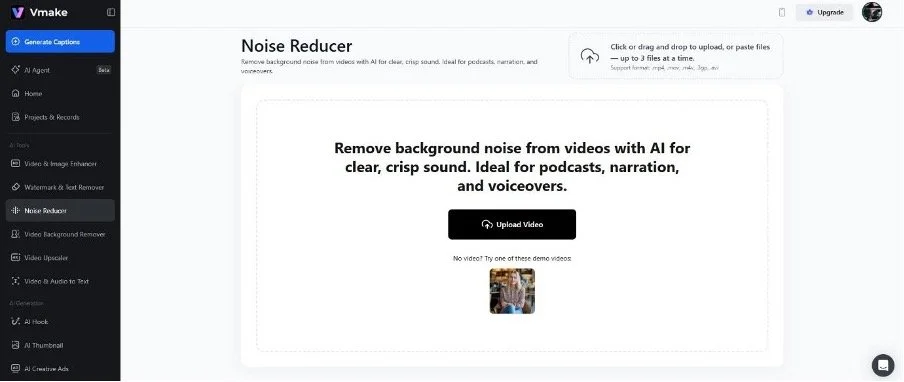
Visuals are only half the battle. Audio quality often separates the amateurs from the pros. Background hum. Wind noise. Echo. These things make a video hard to watch. The toolkit includes audio enhancement features. It isolates the voice and dampens the noise.
Captions are also non-negotiable today. Many people watch videos with the sound off. Generating subtitles manually is tedious. It involves typing, timing, and checking. The automated captioning feature listens to the audio. It transcribes the speech and places the text on the screen.
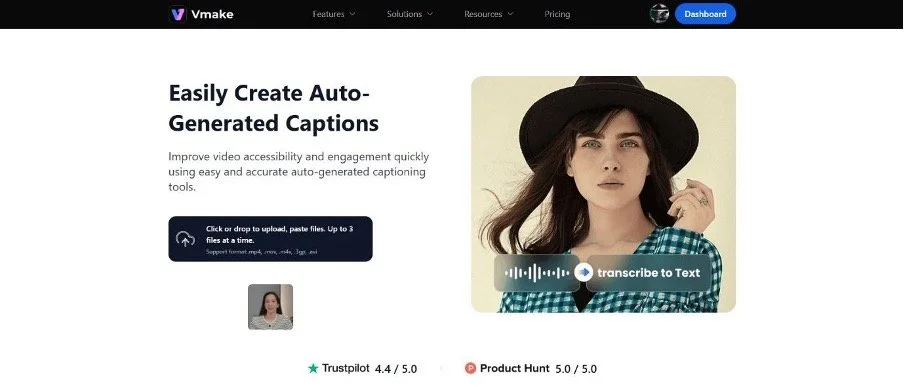
The accuracy is generally high. It gets proper nouns wrong sometimes. You will need to proofread. But editing a few words is faster than typing the whole script from scratch. The timing is usually precise, and the words appear when they are spoken.
Cost vs Convenience
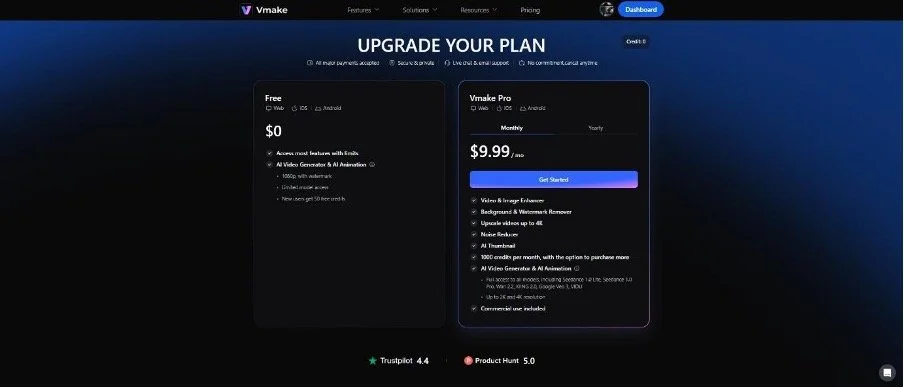
These tools operate on a freemium or subscription model, usually. Computing power costs money. Rendering video in the cloud is resource intensive. The free tiers often have limits. For the casual user, the free options might suffice. For a business, the subscription is a calculation of labour cost. If the tool saves you three hours of manual editing, the cost is justified. Hence, a $9.99/month subscription is worth giving a try!
Final Verdict: Why Vmake Is Useful for Everyday Video Editing?
The landscape of video editing is shifting. You tell the computer what you want. "Remove this" or "Enhance that." The computer figures out how to do it.
Vmake AI represents this shift effectively. It strips away the complexity and delivers a result that is, in most cases, like a professional manual work. It is not perfect. No automated tool is. But for the vast majority of digital content, it is more than good enough. It allows the creator to remain a creator, rather than becoming a technician. The focus remains on the story; the tool simply clears the path.